1000 Creative Visual Prompt Planner
Every creator knows the feeling. You sit down to work. The cursor blinks. The canvas stays white. The ideas simply do not come. That block is not a lack of talent or skill. It is often just a lack of the right trigger. The 1000 Creative Visual Prompt Planner is built to be that trigger. It is a structured tool that hands you a starting point so you can stop waiting for inspiration and start making something.
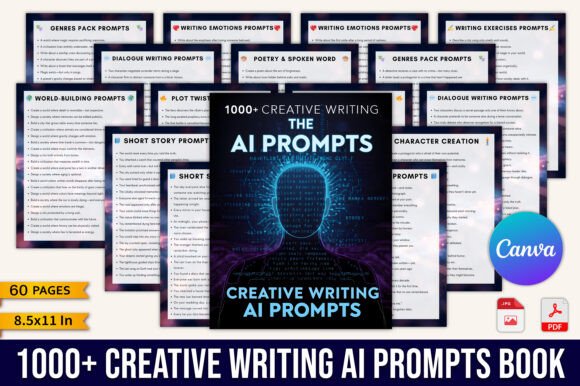
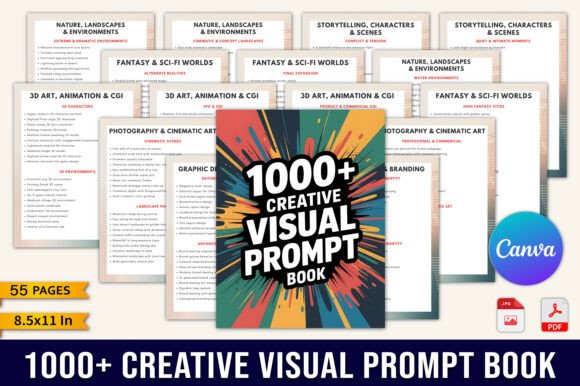
This planner holds one thousand curated visual prompts. They are not random words thrown on a page. Each prompt is designed to push you in a specific direction while leaving enough room for your own interpretation. Whether you work with digital brushes, a camera, a 3D program, or just a notebook, the prompts give you something to react to. That reaction is where the real work begins.
What Makes This Planner Different
Most prompt lists feel shallow. They give you a single word like “ocean” or “shadow” and expect you to build a portfolio piece from that. This planner takes a different approach. The prompts are visual and detailed. They consider composition, mood, color, and context. You get a scene to build, a palette to explore, or a narrative to expand.
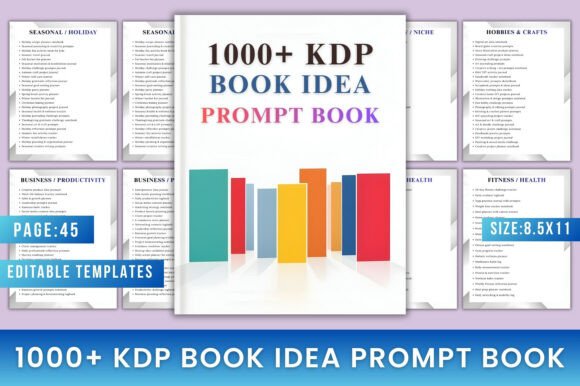
The prompts are organized by category. You will find sections dedicated to digital art, branding, photography, 3D modeling, storytelling, and world-building. This structure matters. It means you can target a specific skill you want to improve. If your composition is weak, you can work through prompts that emphasize framing and balance. If your color theory needs work, there are prompts built around specific palettes.
The planner also supports AI-friendly workflows. If you use generative tools like Midjourney, DALL-E, or Stable Diffusion, the prompts are structured in a way that translates well into text-to-image inputs. That makes this planner useful for hybrid creators who combine traditional skills with AI-assisted generation. You are not locked into one method.
Who Benefits Most
The range of users who can get value from this planner is wider than you might expect.
Artists and Illustrators
If you work in digital or traditional art, the prompts serve as daily warm-ups. You can set a goal of one prompt per day and build a habit that keeps your skills sharp. Over time, you will notice improvement in speed, variety, and confidence. The prompts push you into subject matter you might normally avoid.
Designers and Brand Creators
Branding often requires visual thinking under constraints. The planner includes prompts that ask you to design around a mood, a target audience, or a specific product category. These exercises are useful for building a portfolio of conceptual work or for sharpening the problem-solving skills that client work demands.
Photographers
Photographers can use the prompts as shot lists. Whether you are shooting with a phone or a full-frame camera, the prompts give you a direction for the day. You can focus on lighting, texture, storytelling, or composition. The planner helps you avoid repeating the same types of images over and over.
Content Creators and Marketers
Visual content is the backbone of social media and marketing. The prompts help you generate fresh visuals for posts, thumbnails, banners, and ad creatives. Instead of scrolling endlessly for ideas, you open the planner, pick a prompt, and produce something aligned with your brand. It saves time and reduces creative fatigue.
3D Artists and World Builders
The world-building prompts are particularly strong. They ask you to construct environments, characters, and objects with specific constraints. This is excellent training for 3D modeling, game design, and virtual production. You learn to work within limitations while maintaining visual interest.
Practical Ways to Use the Prompts
Owning a planner is one thing. Using it consistently is another. Here are a few realistic approaches that work across different disciplines.
Daily Practice Sprints
Set a timer for thirty minutes. Pick a prompt. Work from start to finish within that window. Do not overthink. Do not refine endlessly. The goal is volume and speed. This method builds fluency. Over ninety days, you will have completed ninety pieces. Some will be rough. Some will surprise you.
Weekly Deep Dives
If you prefer depth over breadth, pick one prompt per week. Spend the first day brainstorming. Spend the next days iterating. Use the final day to polish and present. This approach works well for portfolio pieces or for experimenting with new techniques.
Themed Series
Go through a single category and create a cohesive series based on those prompts. For example, work through the branding prompts and produce a set of logo concepts, color studies, and mockups. A series like that becomes a strong showcase piece for your portfolio or a case study for your clients.
Collaborative Challenges
Share the planner with a group. Assign one prompt per week and have everyone produce their own interpretation. Compare results at the end. You will see how different backgrounds and styles lead to widely different outcomes. This is valuable for teams, classes, or online creative communities.
Adapting the Planner for Different Platforms
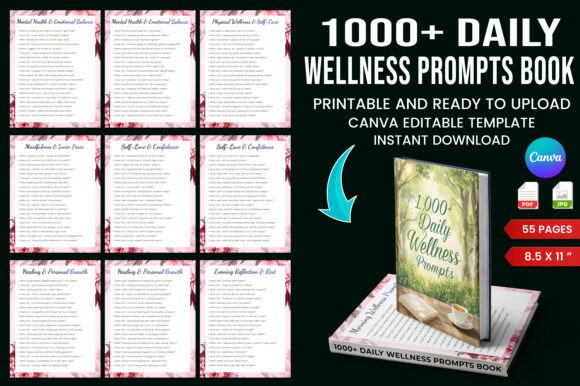
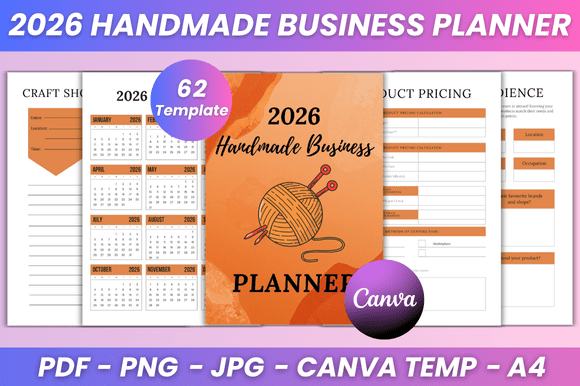
The included files make adaptation simple. You get an editable Canva link, high-quality PDFs, and fifty-two different Canva templates. The page size is 8.5 by 11 inches, which is standard and easy to print or display.
- Digital use: Keep the PDF on your tablet or computer. Use a drawing app to respond directly to the prompts. The clean layout makes it easy to read on screen.
- Print use: Print the pages and bind them into a physical notebook. Writing or sketching by hand gives you a different kind of engagement. Many creators find that physical interaction helps ideas stick.
- Presentation use: Use the Canva templates to turn your prompt responses into polished presentations. This is useful for sharing your work with clients, posting on social media, or building a portfolio.
- Customization: The editable Canva link lets you adjust colors, add notes, or reorganize sections. If you want to focus on a specific category for a month, you can reorder the pages to suit your workflow.
Keeping Your Work Organized and Consistent
A large collection of prompts can feel overwhelming if you do not have a system. The planner is organized by category, which is a good start. Here are a few additional habits that help maintain clarity.
- Create a tracking system. Mark each prompt as completed, in progress, or saved for later. This prevents you from circling back to the same prompts repeatedly.
- Date your responses. When you look back six months later, you will see how your style and skill have evolved.
- Collect your best results in a separate portfolio folder. Not every prompt response will be a keeper, but the ones that stand out should be preserved.
- Use the notes section to record what worked and what did not. That reflection turns practice into learning.
Originality Within Constraints
Some creators worry that using prompts limits originality. The opposite is true. A good prompt gives you a constraint, and constraints force creative decisions. Two artists working from the same prompt will produce different results because they bring different experiences, preferences, and techniques to the problem. The prompt is a starting line, not a cage. The originality comes from how you move from that starting line to the finish.
Building a Sustainable Creative Practice
The real value of the 1000 Creative Visual Prompt Planner is not the number one thousand. It is the structure. Having a curated set of prompts removes the friction of deciding what to make. You open the page and begin. Over weeks and months, that habit compounds. Your visual vocabulary expands. Your speed increases. Your ability to generate ideas on demand improves because you have trained that muscle daily.
For beginners, the planner offers a clear path forward. You do not need to know what to practice. The prompts tell you. You just need to show up and do the work. For experienced professionals, the planner offers a way to break out of comfort zones and explore territory you might otherwise avoid.
The files are ready to use. The categories are set. The work is up to you. One thousand prompts is a large number, but you do not need to finish them all at once. Start with one. Then another. Then another. That is how creative momentum builds.